
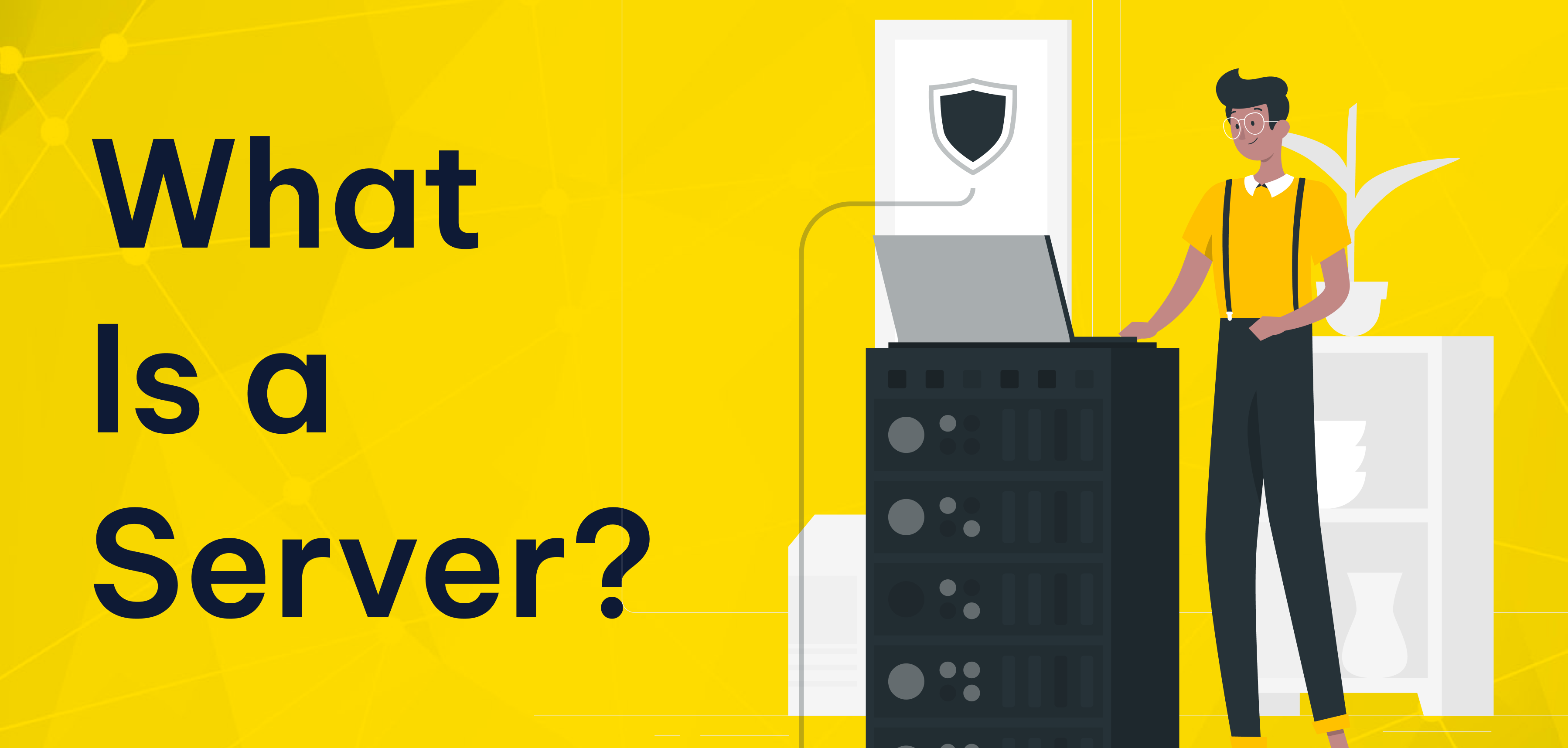
A server is a specialized computer that shares data, services, and resources with other devices over a network connection. Desktop computers serve individual and occasional use, but this system runs without interruption. In professional environments, these systems stay online at all times, which is why servers run 24/7.
What Is a Server?
At its core, this setup acts as a central point that responds to requests coming from other devices, commonly called clients. These clients might be laptops, smartphones, tablets, or even other machines within the same infrastructure.
A personal computer serves one user. This centralized system supports many users and processes at the same time. That difference is what makes it essential for businesses that need shared access to information, applications, or communication tools.
Reliability is critical, so organizations install these systems in secure, air-conditioned environments like server rooms or professional data centers.
How Does It Work?
Most modern networks operate using the client server model.
In this structure:
- A user or application sends a request
- The central system receives and processes it
- A response is sent back to the client
These client requests can involve loading a website, opening a shared document, sending an email, or querying a database. This infrastructure handles many requests at once and serves dozens or even thousands of users without interruption.
What Is It Used For?
This type of infrastructure supports many everyday business operations. The most common use cases include:
Centralized File Management
File servers allow companies to store documents in one secure location. Teams can collaborate more efficiently while keeping access under control.
Website and Online Services
Web servers deliver website content to browsers and keep corporate sites or e-commerce platforms accessible around the clock.
Email Communication
Mail servers handle corporate email traffic, ensuring that messages are sent, received, and stored reliably.
Network Printing
A print server makes it possible for multiple users to share printers, reducing hardware costs and simplifying management.
Business Applications
Application servers run backend software such as CRM tools, ERP systems, and internal platforms used by agencies and enterprises.
Data Storage and Processing
Database servers manage structured data like customer records, orders, and inventory, forming the backbone of data-driven operations.
Types of Servers
There are many types of servers, each designed for a specific role. Common examples include:
Web, Mail, File, Print server solutions, Application and Database servers
Selecting the right option depends on workload, traffic volume, and business goals.
Hardware and Physical Requirements
A hardware server is built differently from a standard PC. It typically includes more powerful processors, higher memory capacity, faster storage, and components designed for long-term stability.
A reliable power supply is essential. Professional environments use backup power systems to protect data and prevent downtime. Cooling is just as important—without proper temperature control, performance and hardware lifespan can suffer. That’s why organizations always place these systems in controlled, air-conditioned spaces.
Operating Systems and Software
Hardware alone is not enough. Every deployment requires a server operating system to manage resources and network services.
Popular options include Linux distributions and Windows Server, both widely used in business environments. Server software runs on top of the operating system. It provides functions such as web hosting, email delivery, file sharing, and database management.
Why This Infrastructure Is Essential for Businesses
For SMEs, e-commerce companies, agencies, and corporate brands, centralized infrastructure is no longer optional.
It enables organizations to:
- Keep data and applications in one secure place
- Control access and improve security
- Ensure continuous availability
- Scale operations as demand grows
Without a reliable setup, performance issues, security risks, and service interruptions quickly become inevitable.
Choosing the Right Solution with Makdos
Makdos helps businesses design and manage the right infrastructure based on real business needs.
Depending on the project, Makdos provides:
- Cloud Servers for flexible and scalable workloads
- Dedicated Servers for maximum performance and control
- Co-location services for companies that own their hardware but want professional hosting conditions
With robust infrastructure, strong security measures, and expert support, Makdos ensures long-term stability and performance.